

YouTube Channel Data Extractor: Scrape Channel Stats, Emails & Video Data
What the YouTube Channel Scraper Does
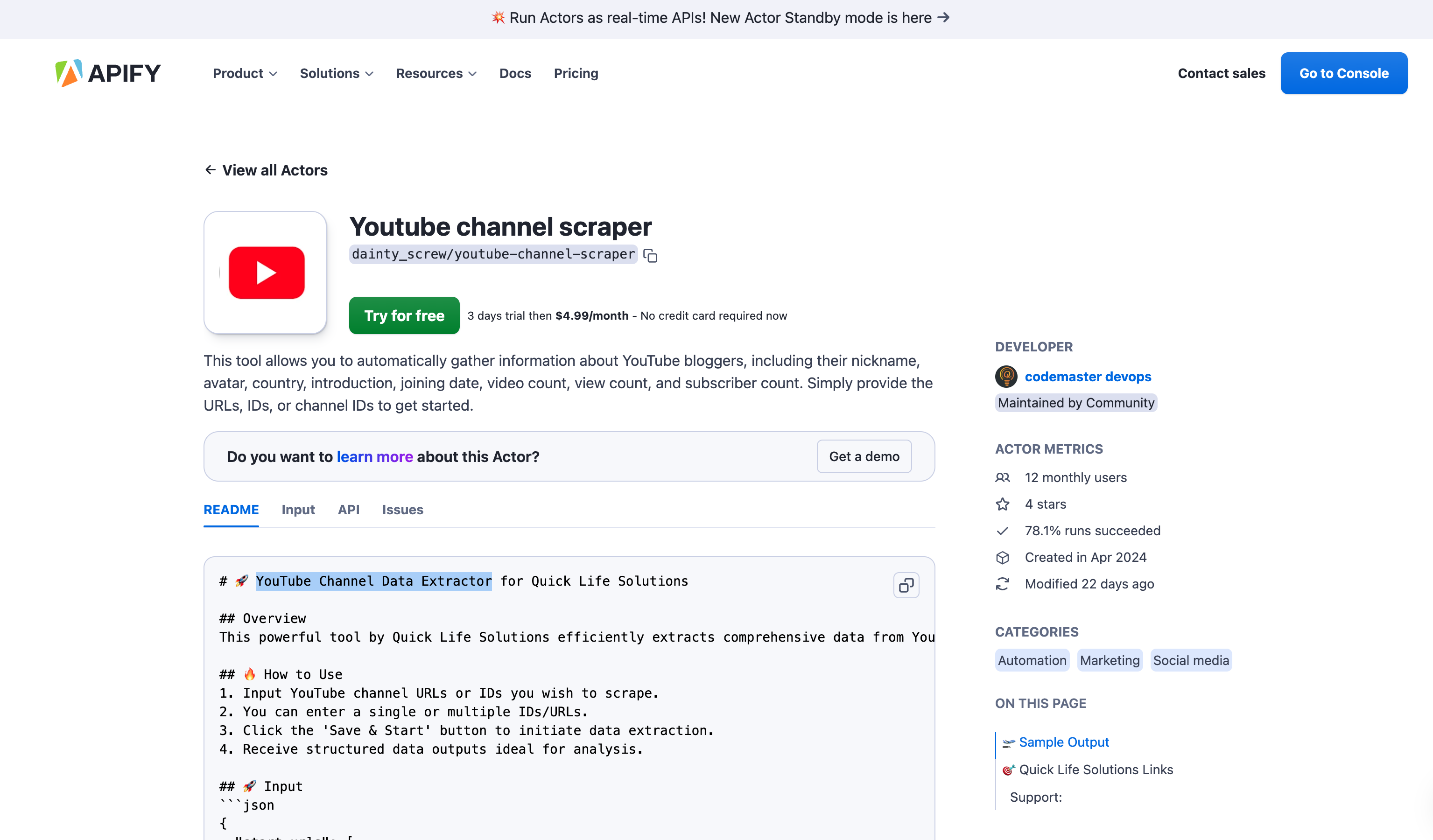
Manually pulling subscriber counts, view stats, or contact emails from YouTube channels does not scale past a handful of channels. The YouTube Channel Data Extractor automates this: feed it channel URLs or IDs, and it returns structured data you can drop straight into a spreadsheet or CRM.
Example: What You Actually Get Back
Run the scraper against a single channel URL and the output looks like this (fields trimmed for readability):
| Field | Example Value |
|---|---|
| Channel Title | “Example Tech Reviews” |
| Subscriber Count | 184,300 |
| Video Count | 612 |
| Total View Count | 41,200,000 |
| Join Date | 2016-03-14 |
| Country | US |
| Business Email (if public) | [email protected] |
| Verified Status | true |
| Channel URL | youtube.com/@examplechannel |
Run it against a list of 50 or 500 channel URLs and you get the same fields back for every channel, ready for filtering and sorting.
Who Uses This
Content Creators
Benchmark your channel against competitors on subscriber growth, upload frequency, and view counts, without opening 20 browser tabs.
Marketers & Agencies
Build creator/influencer shortlists at scale by filtering extracted data on subscriber count, engagement signals, and niche.
Businesses
Track competitor channel activity and brand mentions across YouTube for market research, without manual monitoring.
Pros and Cons
Pros
- No coding required: input URLs or channel IDs, get structured output.
- Scales to bulk lists: works the same for 1 channel or 500.
- Structured output: JSON/CSV, ready for spreadsheets or a database.
Cons
- Public data only: cannot pull private channel data or data YouTube does not expose publicly.
- Business email is not always available: only returned when the channel owner has made it public.
How to Use It
- Input the YouTube channel URLs or IDs you want to scrape.
- Add one channel or a bulk list.
- Run the actor.
- Download structured output as JSON or CSV.
Scraper vs. Manual Checking vs. YouTube Data API
| Method | Setup | Bulk channels | Business email | Cost |
|---|---|---|---|---|
| Manual (YouTube Studio/browser) | None | Not practical past ~5 channels | Manual copy-paste, if visible | Free, but your time |
| YouTube Data API | Requires a Google Cloud project, API key, quota management | Yes, with quota limits (10,000 units/day free tier) | Not returned by the API | Free tier, then paid quota |
| This scraper | None — paste URLs and run | Yes, no quota to manage | Returned when publicly listed | Pay-per-result on Apify |
The API is the right call if you are already deep in Google Cloud and only need view/subscriber counts. The scraper is faster to stand up and is the only of the three that surfaces public business emails, which matters for outreach and lead-gen use cases.
Example: Bulk List Output
Feed it 5 competitor channel URLs instead of 1, and the output is the same structure repeated per channel — ready to sort and filter in a spreadsheet:
| Channel | Subscribers | Videos | Total Views | Country |
|---|---|---|---|---|
| Example Tech Reviews | 184,300 | 612 | 41,200,000 | US |
| Example Gadget Hub | 92,150 | 340 | 18,900,000 | UK |
| Example Daily Tech | 256,700 | 891 | 67,400,000 | CA |
| Example Unbox Lab | 41,020 | 158 | 6,100,000 | IN |
| Example Circuit Talk | 310,900 | 1,204 | 102,500,000 | US |
That is a full competitor benchmark table generated in one run, with no manual data entry.
FAQ
Does this work on private YouTube channels?
No. It only extracts data that is publicly visible on the channel page.
Can I scrape multiple channels at once?
Yes. Provide a list of channel URLs or IDs and the scraper processes them in a single run.
Does it always return a business email?
Only if the channel owner has made their business contact email public. Many channels do not expose this.
What output formats are supported?
JSON and CSV, both ready for direct import into spreadsheets, CRMs, or analytics tools.
Try the YouTube Channel Scraper
Need a Custom Build Instead?
Need this wired into your own pipeline, scheduled, or combined with other data sources? See our full data scraping services, or get in touch to discuss a custom build.